Open the reservation portal
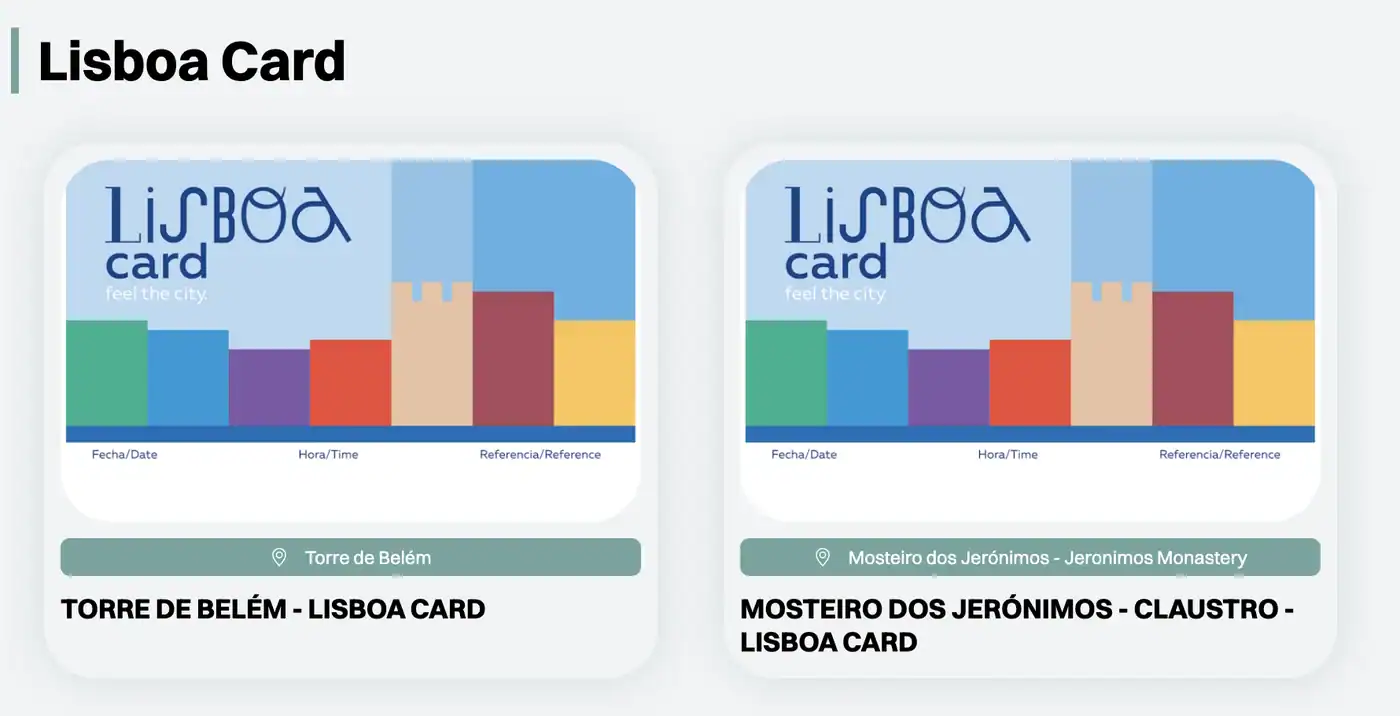
The link below takes you straight to the Lisboa Card overview of the official portal. There are exactly two tiles to choose from: "TORRE DE BELÉM – LISBOA CARD" and "MOSTEIRO DOS JERÓNIMOS – CLAUSTRO – LISBOA CARD". Click the tile for your attraction.
Go to the portal's Lisboa Card overview
Always use this direct link. The general portal search also shows regular, paid tiles for both monuments. The Lisboa Card discount is not offered on those.